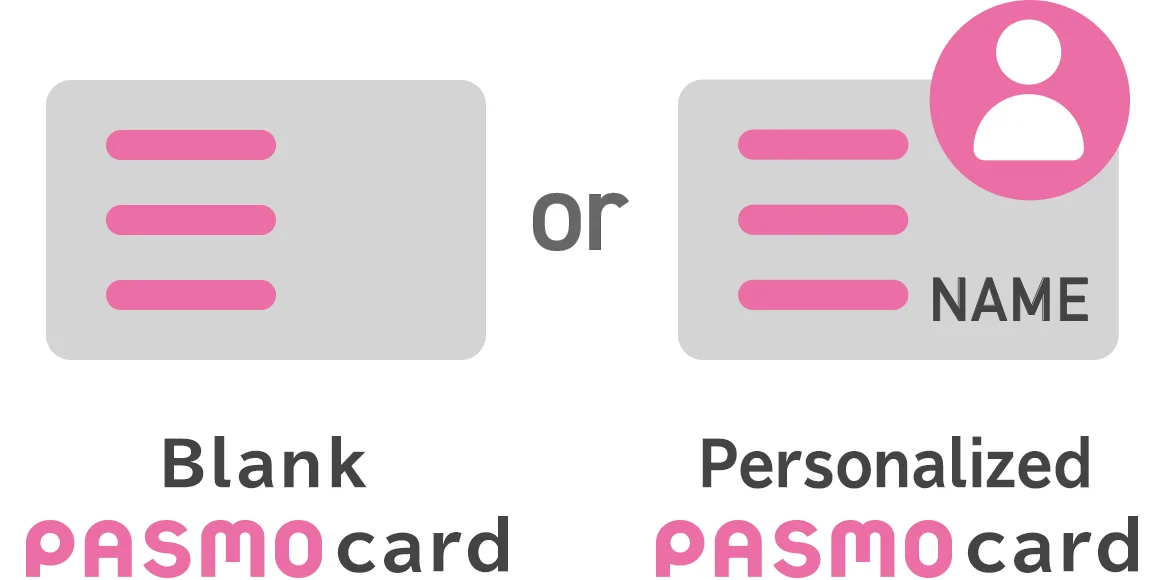
You can choose a blank or personalized PASMO.
Personalized PASMO cards can be reissued if lost.
When choosing a personalized PASMO card, you must register personal information (name, date of birth, gender, and telephone number).


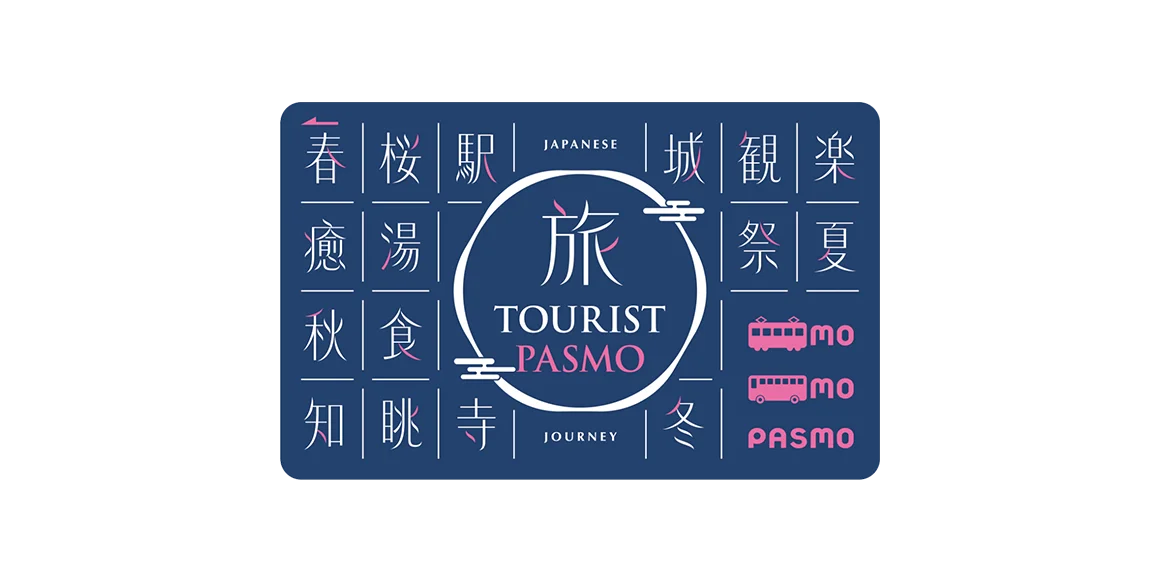
TOURIST PASMO
This is a special IC card for international visitors

Blank PASMO card
Anyone can use this PASMO.
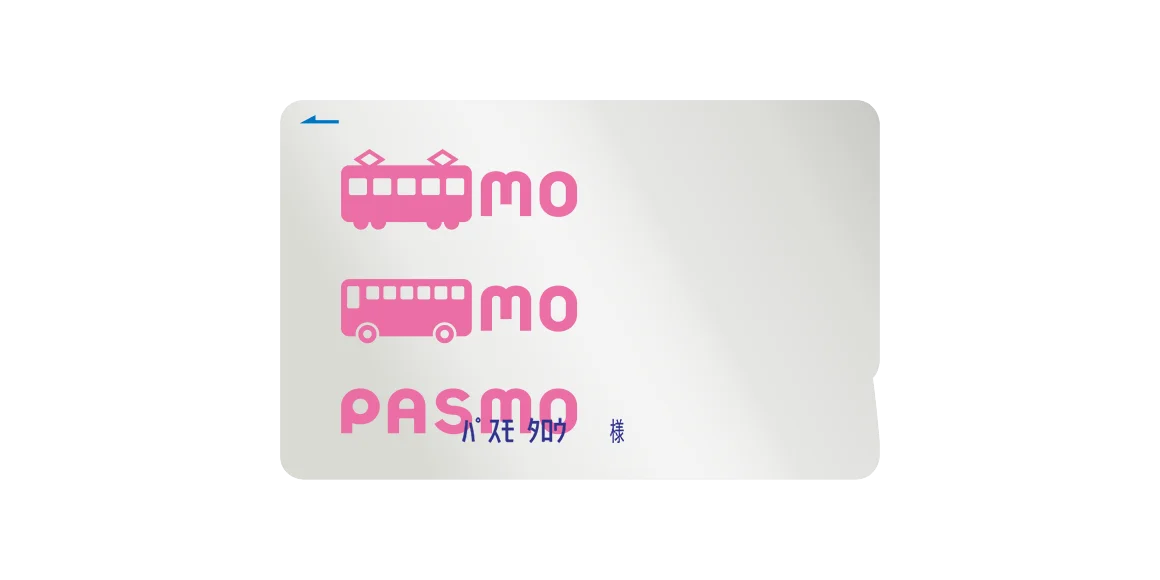
Personalized PASMO card
Only the person whose name is on the PASMO can use this type. This can be reissued when lost.
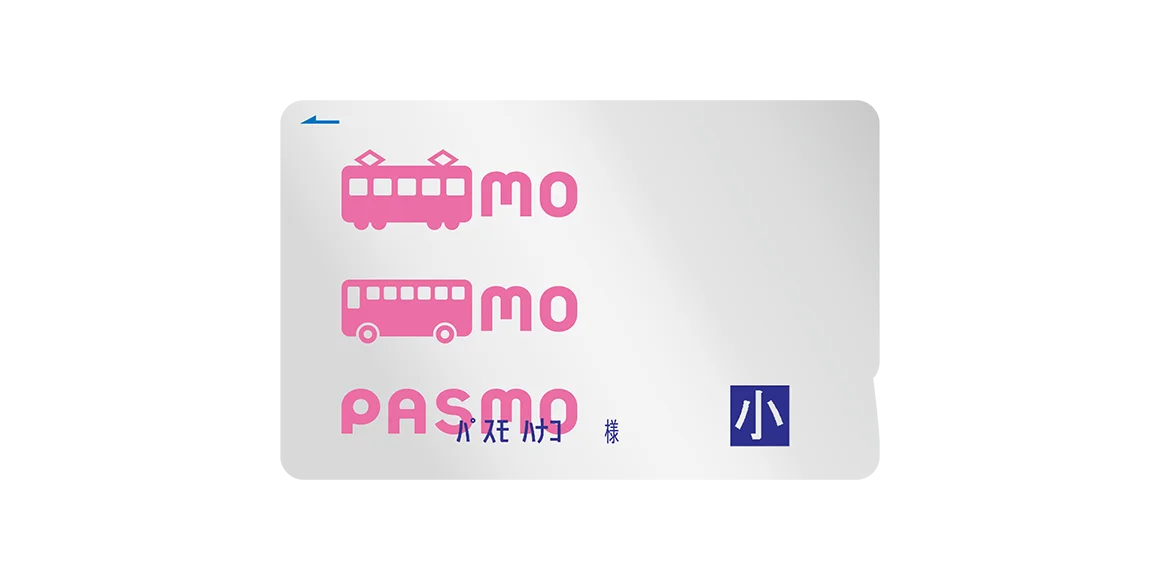
Child PASMO
The bearer of this type of PASMO can ride using children’s fares. This can be reissued when lost.
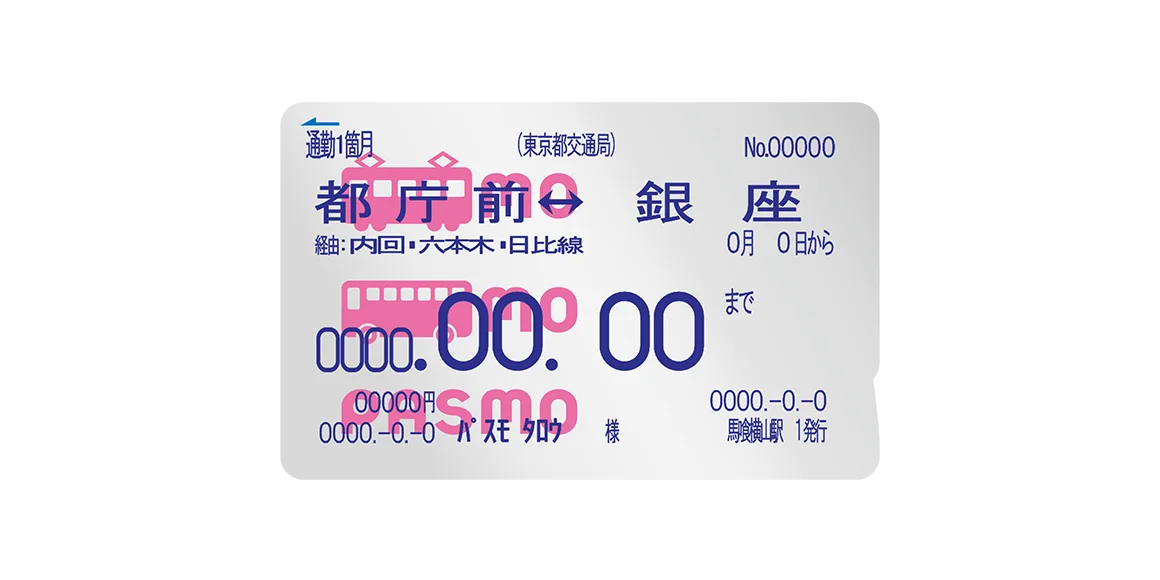
Commuter Pass
This is a Personalized PASMO card that can be used as a commuter pass. Topping up the pass makes it possible to calculate fares simply by touching it to the ticket gate reader when traveling outside the commuter pass route.
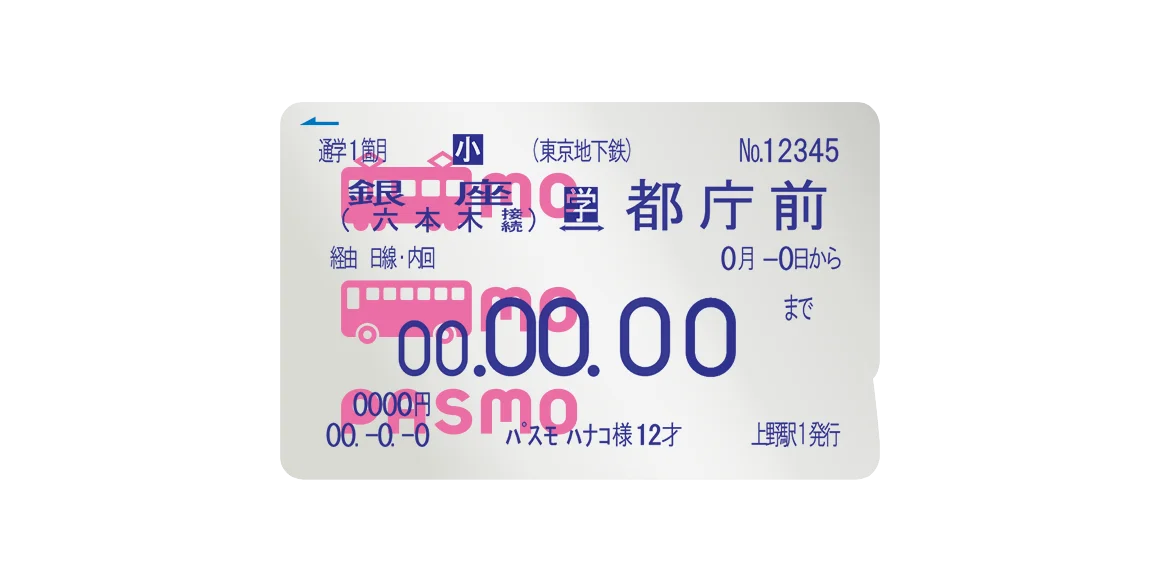
Child PASMO Commuter Pass
This is a Personalized PASMO card that can be used as a commuter pass for children. Topping up the pass makes it possible to calculate fares simply by touching it to the ticket gate reader when traveling outside the commuter pass route.

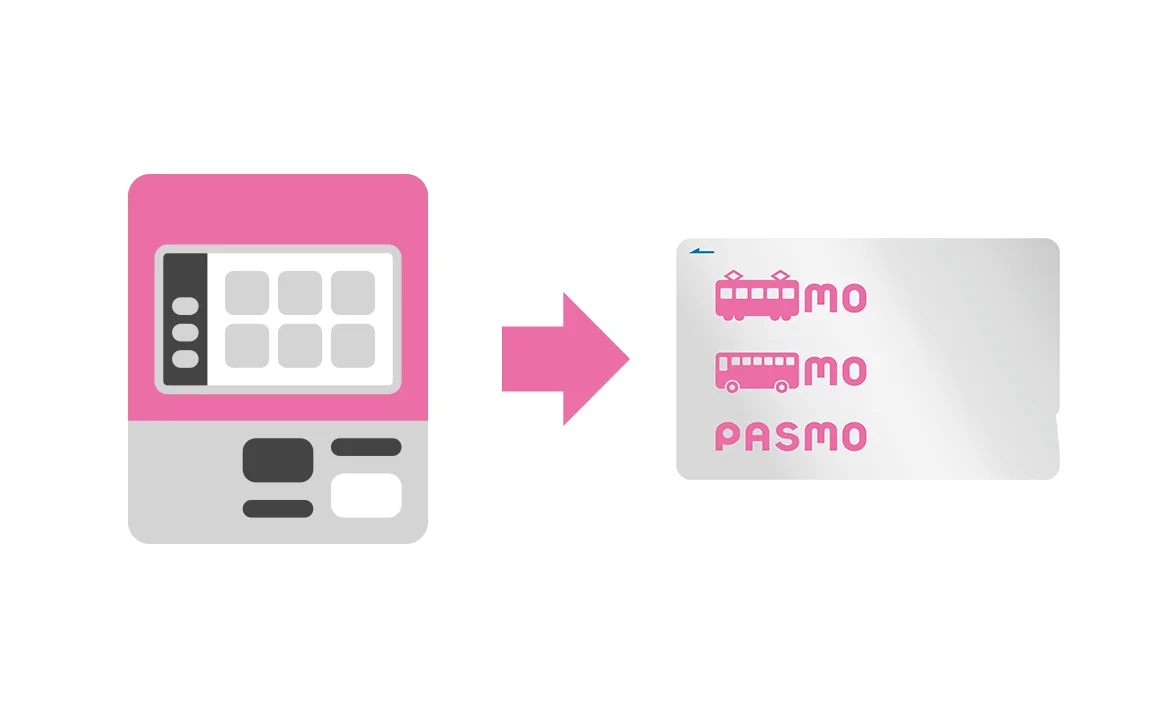
Purchasing PASMO from a ticket machine at a participating transportation provider
Tap “PASMO.”
Tap “Purchase new PASMO.”!
Choose “Purchase blank PASMO” or “Purchase personalized PASMO.”
Follow the on-screen instructions to complete your purchase.
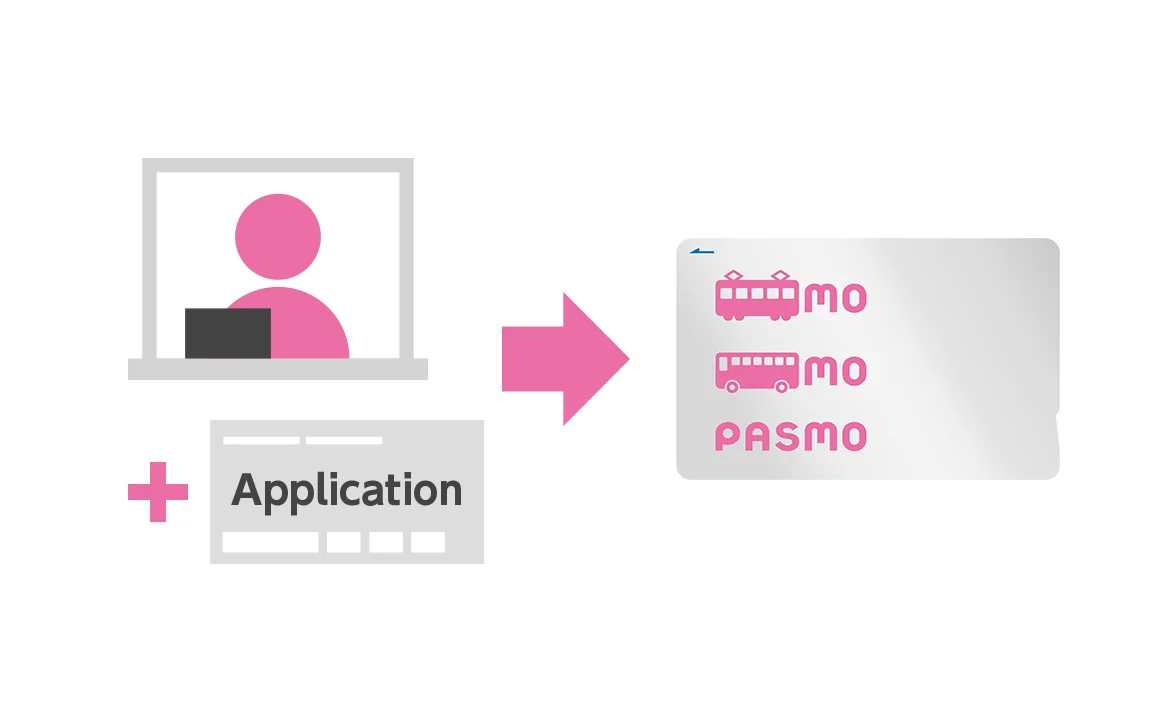
Purchasing PASMO from a ticket counter at a participating transportation provider
Go to the commuter pass ticket counter at the station, fill in the necessary items on the designated application, and purchase your PASMO.
You can choose a blank or personalized PASMO.
Personalized PASMO cards can be reissued if lost.
When choosing a personalized PASMO card, you must register personal information (name, date of birth, gender, and telephone number).
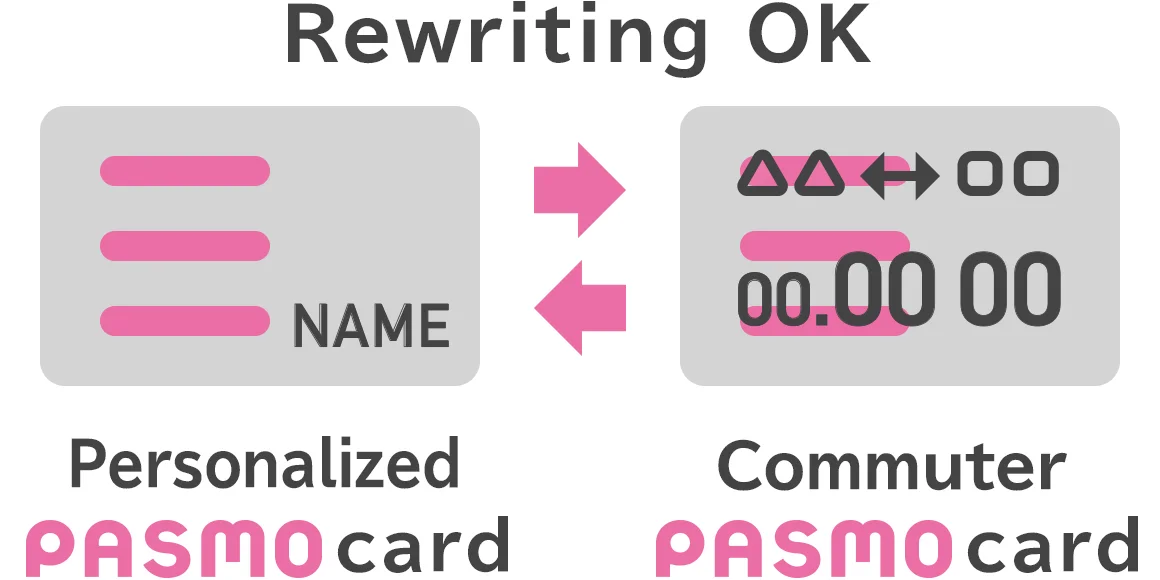
PASMO can be used continuously by rewriting the personalized information.
Whether you need a commuter pass, or no longer need one, PASMO has you covered! You can keep using the same card by rewriting the information.

IC Card Deposit
When purchasing a new PASMO card, ¥500 yen is added to the price as a deposit. The deposit cannot be used to pay for fares or for shopping.
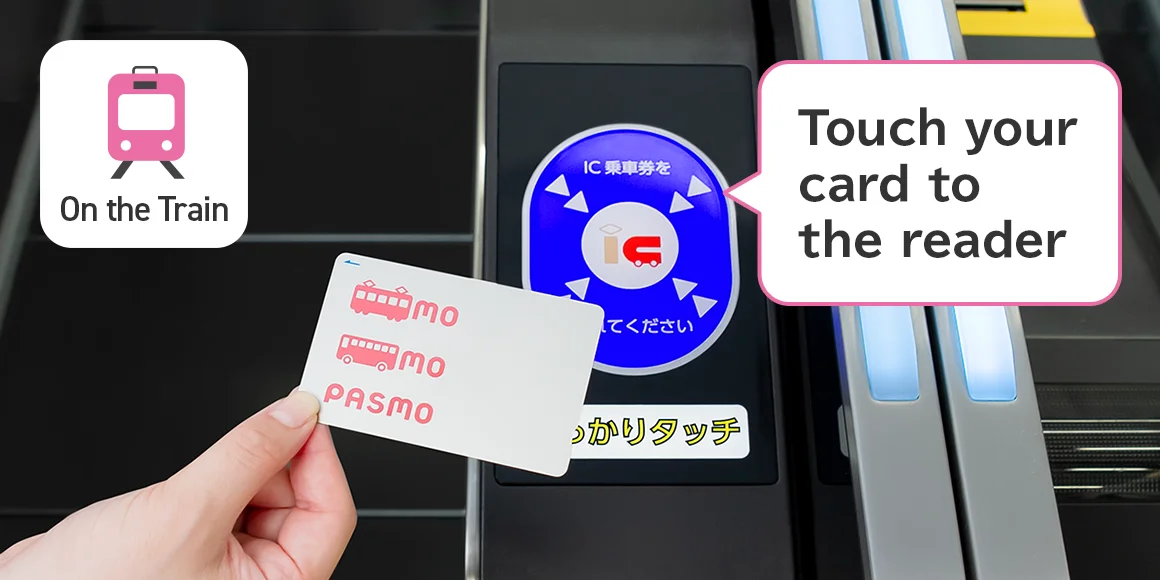
Simply touch your PASMO to the reader on the ticket gate to ride the train.
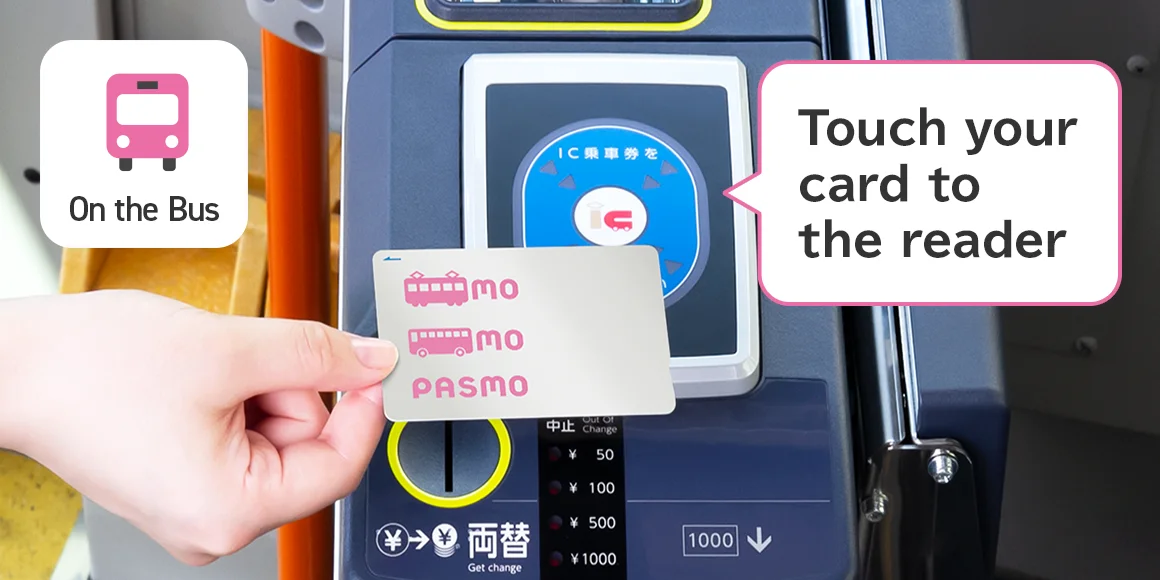
Simply touch your PASMO to the reader inside the bus to pay the fare.
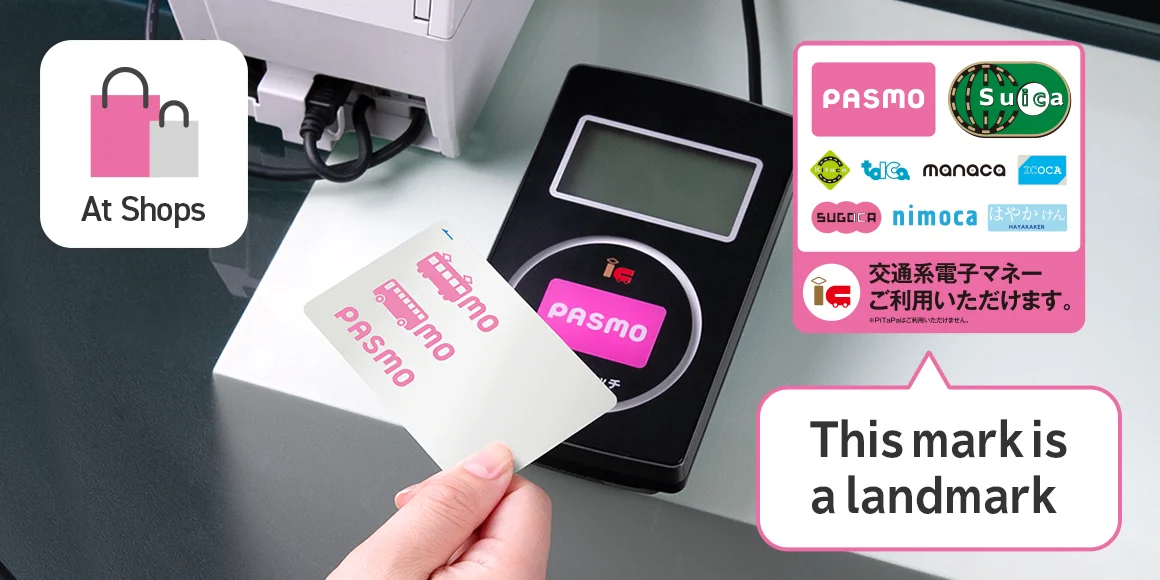
PASMO can be used for easy electronic payments so there is no need to count out coins.
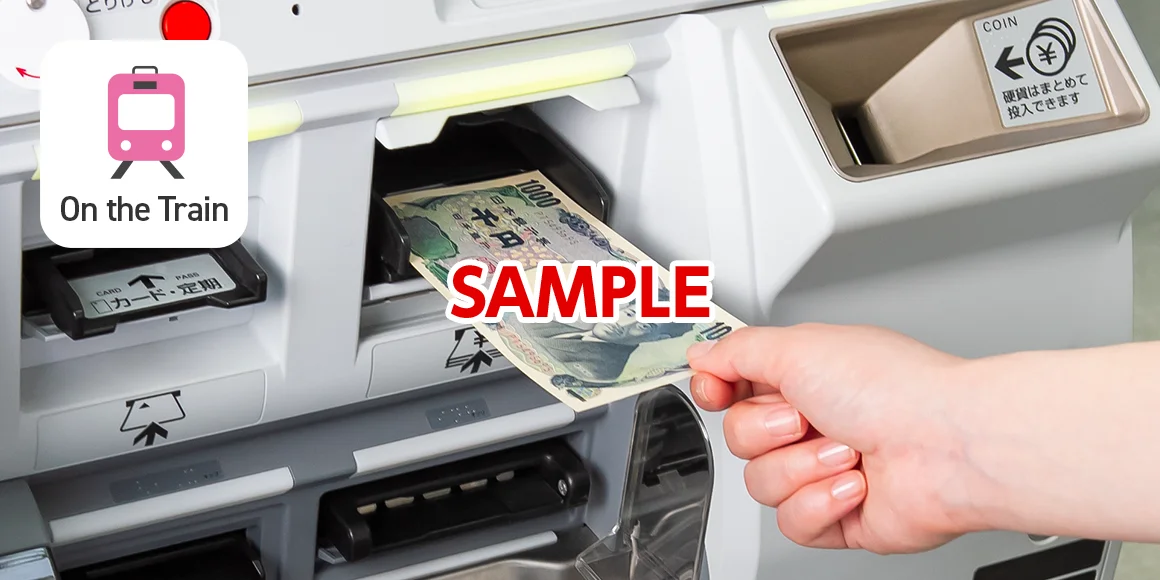
How to top up your PASMO at a station ticket machine
The amount that can be added to your card at one time differs depending on the vendor and machine. Cards cannot be topped up if the balance will exceed ¥20,000. If you accidentally added value to your card, the amount can be refunded with no handling fees only on that day and at the station where it was added, and only if it has not been used after being topped up.
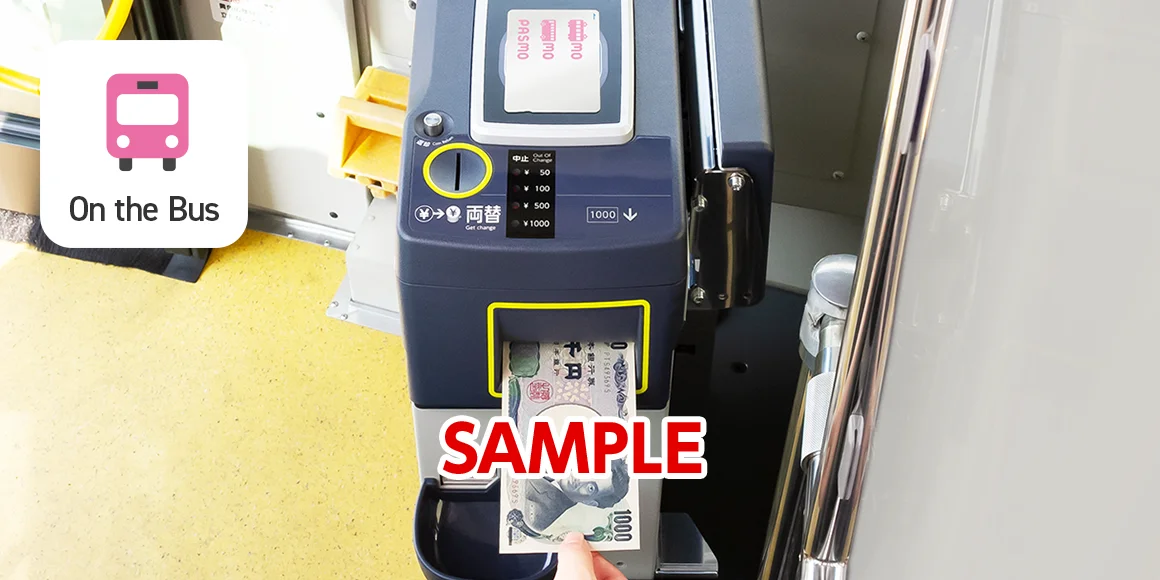
Topping up on the bus
On the bus, it can be topped up in denominations of ¥1,000 (¥1,000 bills only). Please talk to the driver. The amount that can be added to your card at one time differs depending on the vendor and machine. On the bus, it is not possible to top up the card if the balance will exceed ¥10,001.
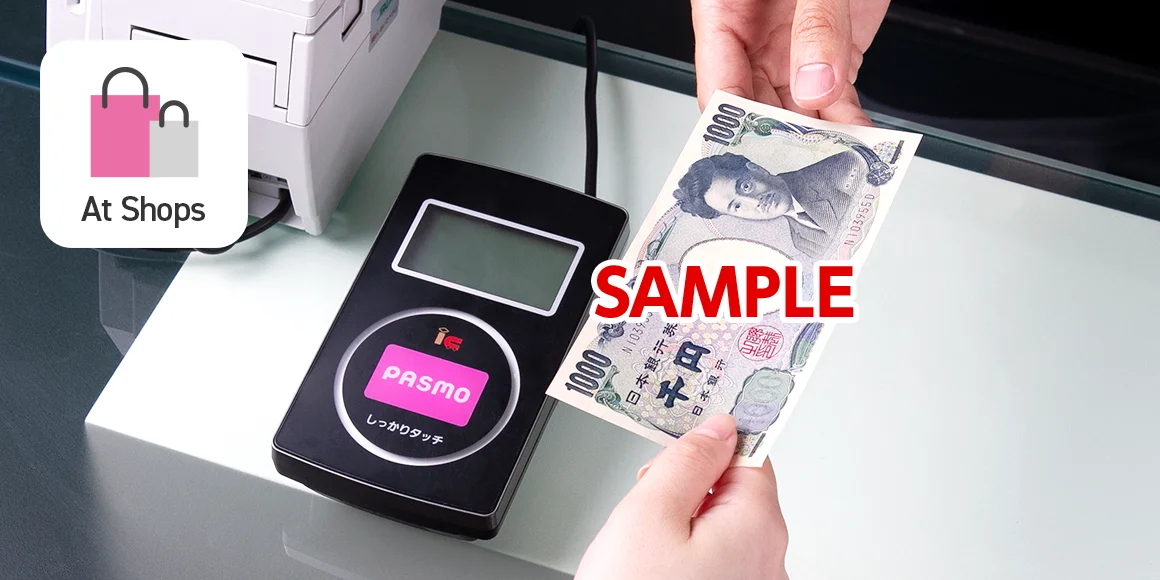
Topping up at a store
It is also possible to top up the card at convenience stores and some shops. Please ask at the shop for further details.

Reissuing a lost Personalized PASMO card or Commuter Pass
The Personalized PASMO card and Commuter Pass can be reissued if lost. Visit a nearby station or bus operator office.

Reissuing a damaged Blank, Personalized PASMO card, or Commuter Pass
If your PASMO is damaged and can no longer be used, it can be reissued. Visit a nearby station or bus operator office.
PASMO refunds
If you no longer need your PASMO, it can be refunded. It is also possible to refund the Commuter Pass cost on its own and switch to a Personalized PASMO card.
The card must be returned. Stored fare balances cannot be refunded on their own.
The stored fare balance and deposit of ¥500 will be refunded. If the stored fare balance is ¥0, the deposit of ¥500 will be refunded.